
Kai Launcher
検索が主役の、シンプルで速いホームアプリ。
A simple, fast home screen where search comes first.
Google Play で準備中 Coming soon on Google Play特徴
Features
検索が主役
Search first
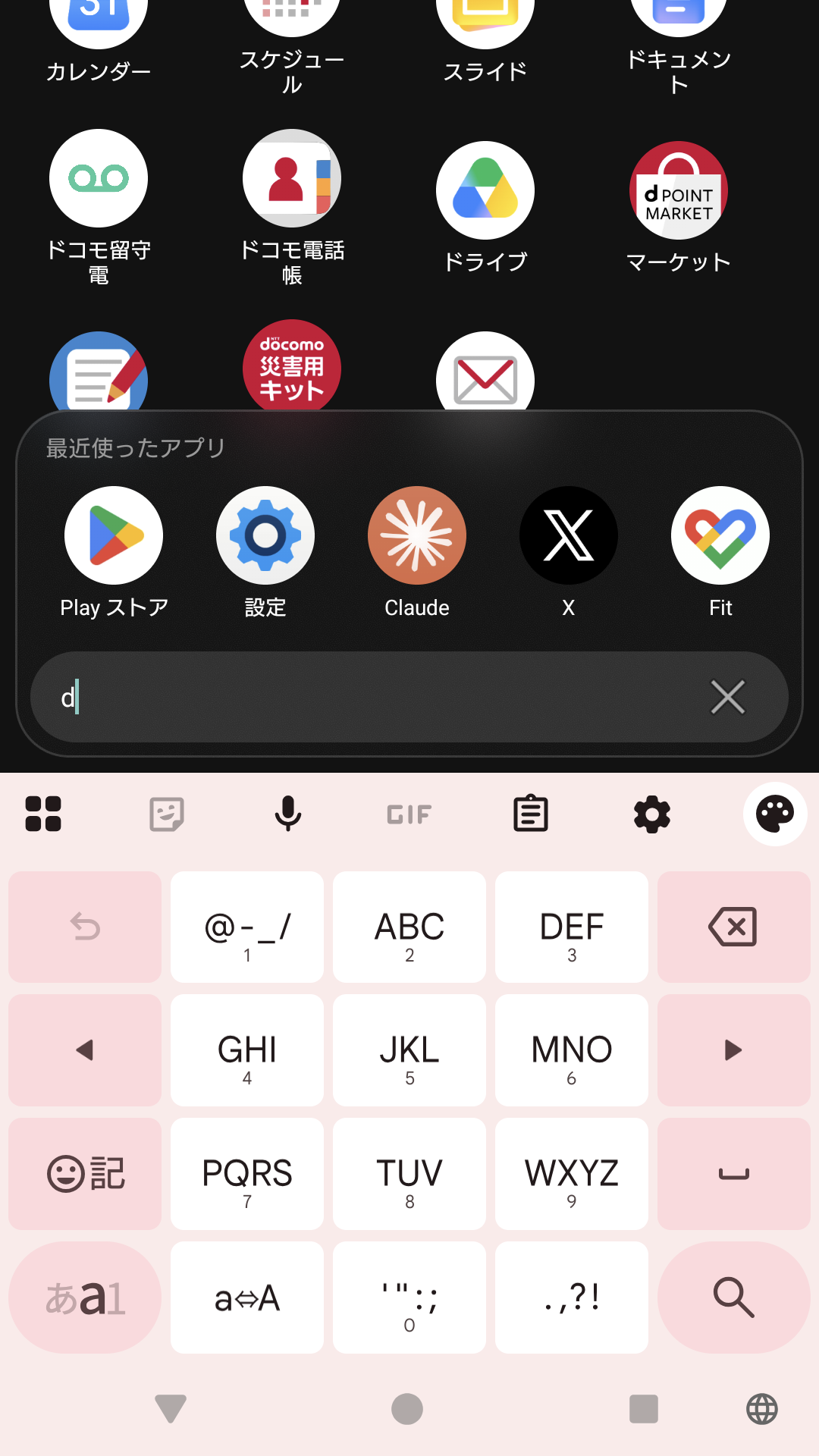
画面下の検索バーに数文字入れるだけ。ひらがな・カタカナ・半角カナの表記ゆれを吸収し、「ふぉと」でも「photo」でも同じアプリにヒットします。
Type a few characters into the search bar at the bottom. Hiragana, katakana and half-width kana are treated alike, and both the Japanese and English app names match, so "ふぉと" and "photo" find the same app.
最近使ったアプリ
Recent apps
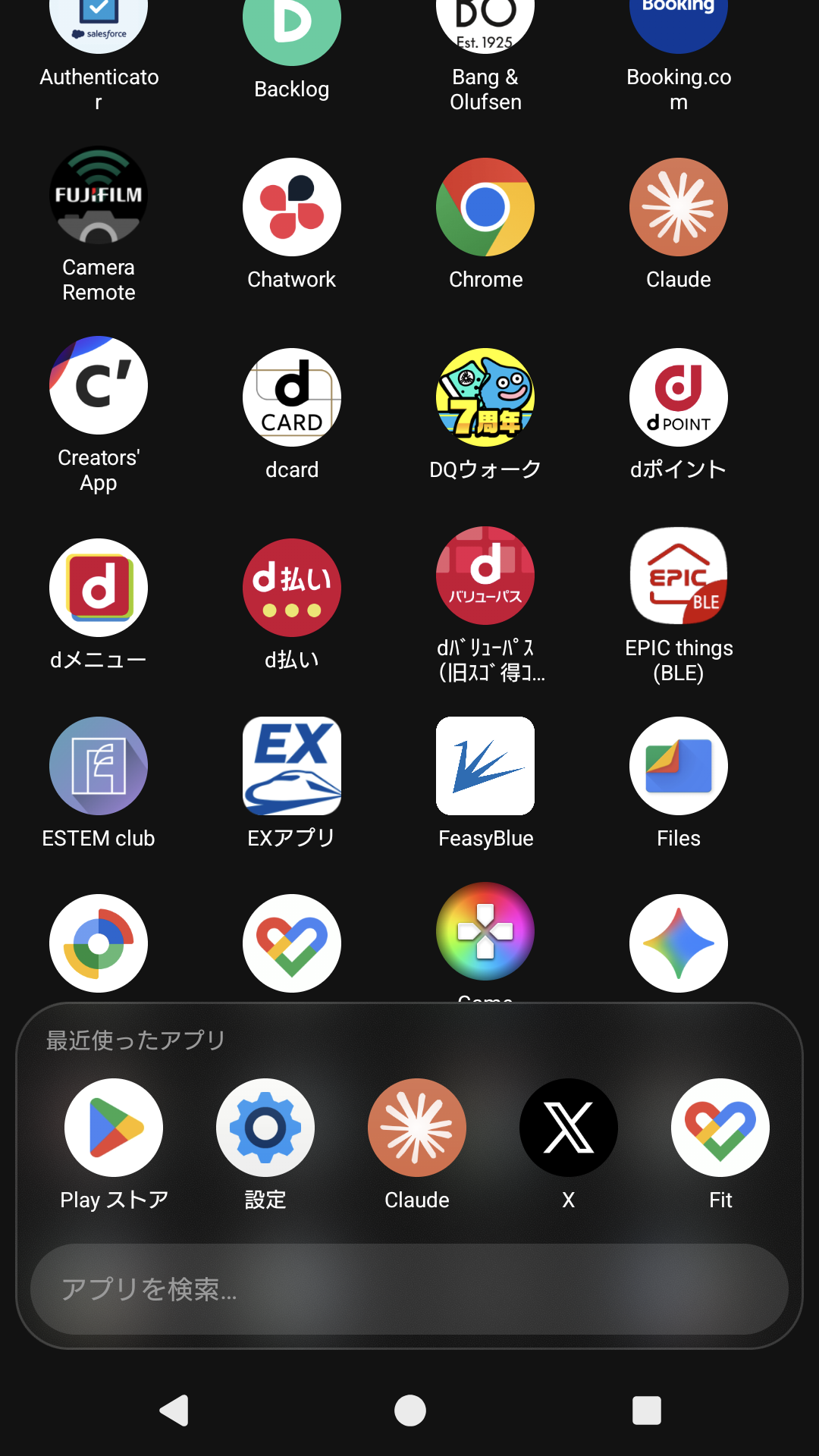
直近 1 週間によく使ったアプリを横一列に表示。よく使うものは検索せずにワンタップで起動できます。
Apps you used in the last week sit in a single row, so the ones you open most are one tap away without searching.
片手で届く配置
Within thumb's reach
検索バーと最近使ったアプリは画面下部のすりガラス風パネルにまとめ、親指の届く範囲で操作が完結します。
Search and recent apps live in a frosted-glass panel at the bottom of the screen, so everything you need is within reach of your thumb.
余計なものがない
Nothing extra
広告なし、解析なし、通信なし。アプリの情報は端末の外に一切送信しません。
No ads, no analytics, no network access. Nothing about your apps ever leaves the device.
画面
Screens
使い方
Getting started
インストール後、Android の設定 → アプリ → デフォルトのアプリ → ホームアプリ で Kai Launcher を選んでください。「最近使ったアプリ」を表示するには、案内に従って「使用状況へのアクセス」を許可します。許可しなくても他の機能は使えます。
After installing, open Android Settings → Apps → Default apps → Home app and choose Kai Launcher. To show recent apps, grant "Usage access" when prompted. Everything else works without it.